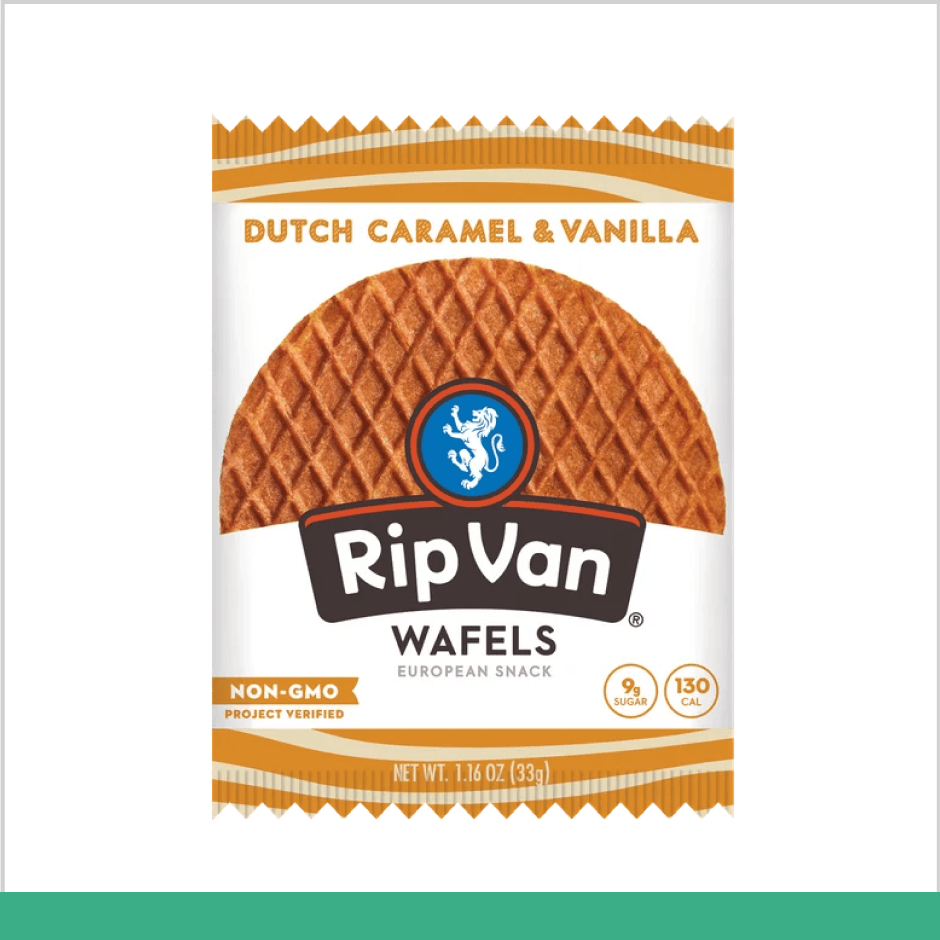
Do
Use pure white backgrounds for a polished and professional look.
Your product images represent your brand in our app and catalog. Please follow these guidelines and submit images that meet them as closely as possible to help us showcase your brand quickly and effectively.

Around 1050 px by 1050 px

JPEG, JPG, PNG, WEBP (GIF images aren't permitted)

1:1 (Square)
Use pure white backgrounds for a polished and professional look.
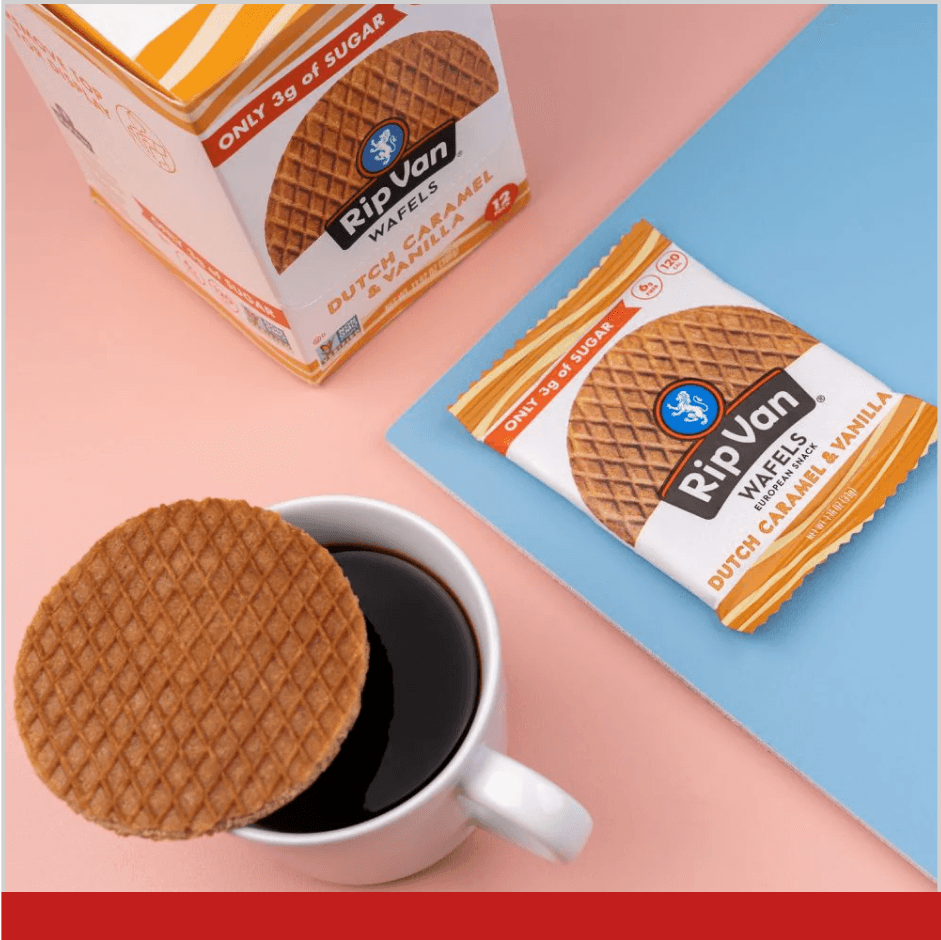
Avoid lifestyle shots or busy backgrounds in your images.
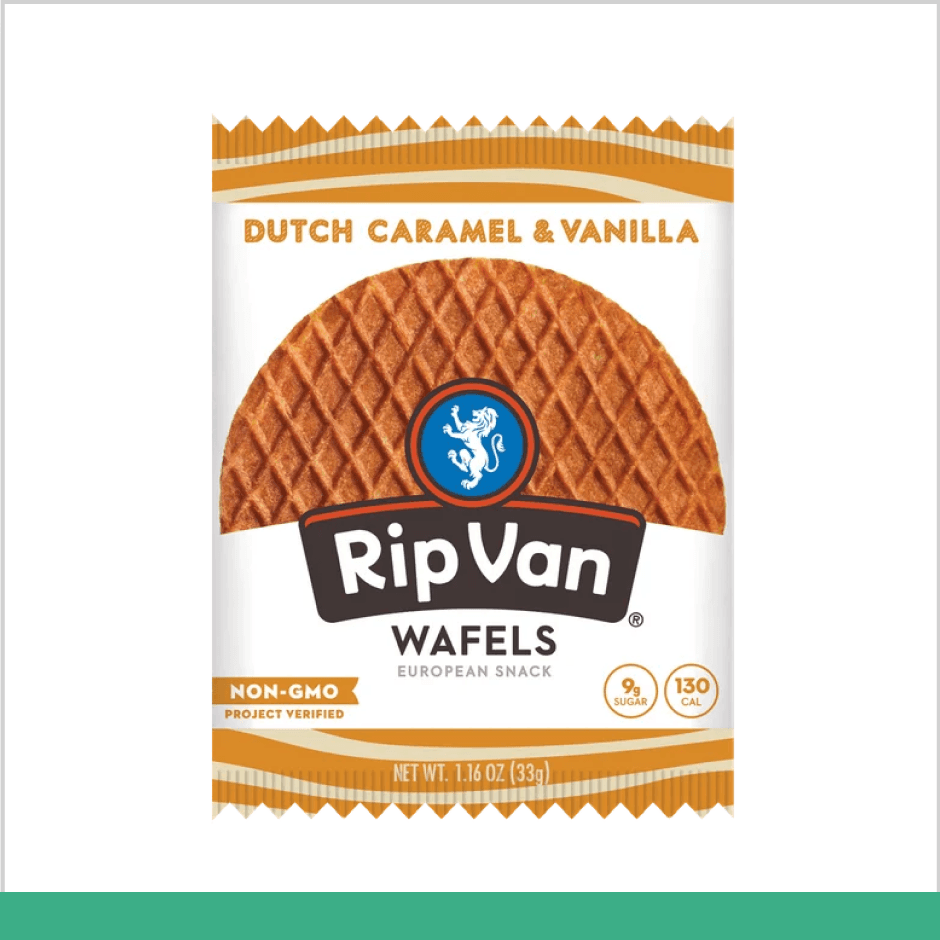
Showcase the product image only.
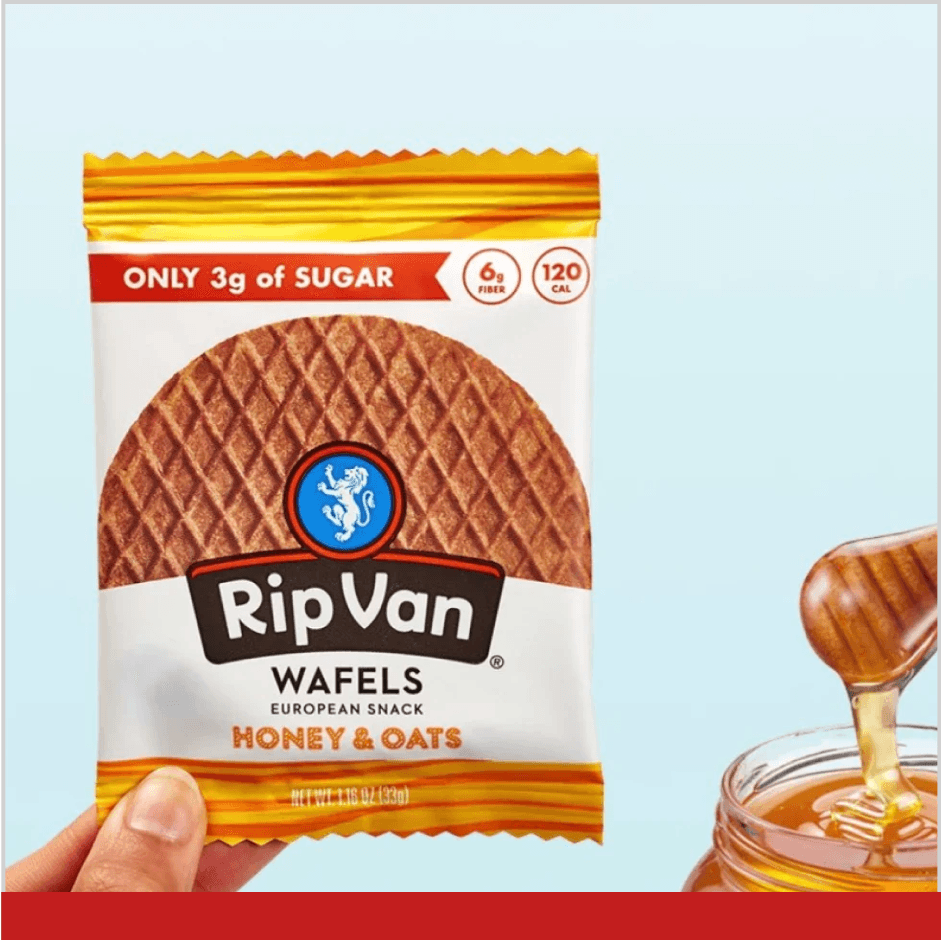
Avoid including unnecessary objects in your product images, as they can make them confusing.
Use a single product image to clearly show what the SKU represents, except when displaying setups or displays.
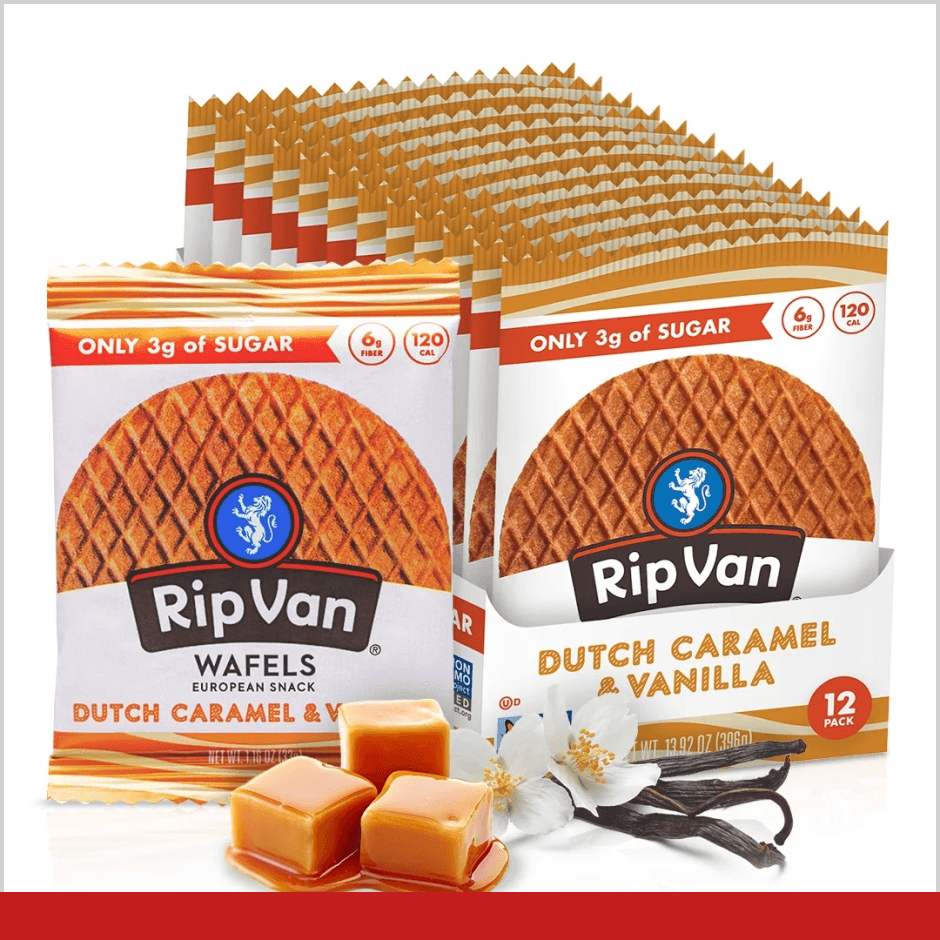
Avoid using an image with multiple products, as it will make the page and in-app display look cluttered.
Use a square image with some white space around the product.
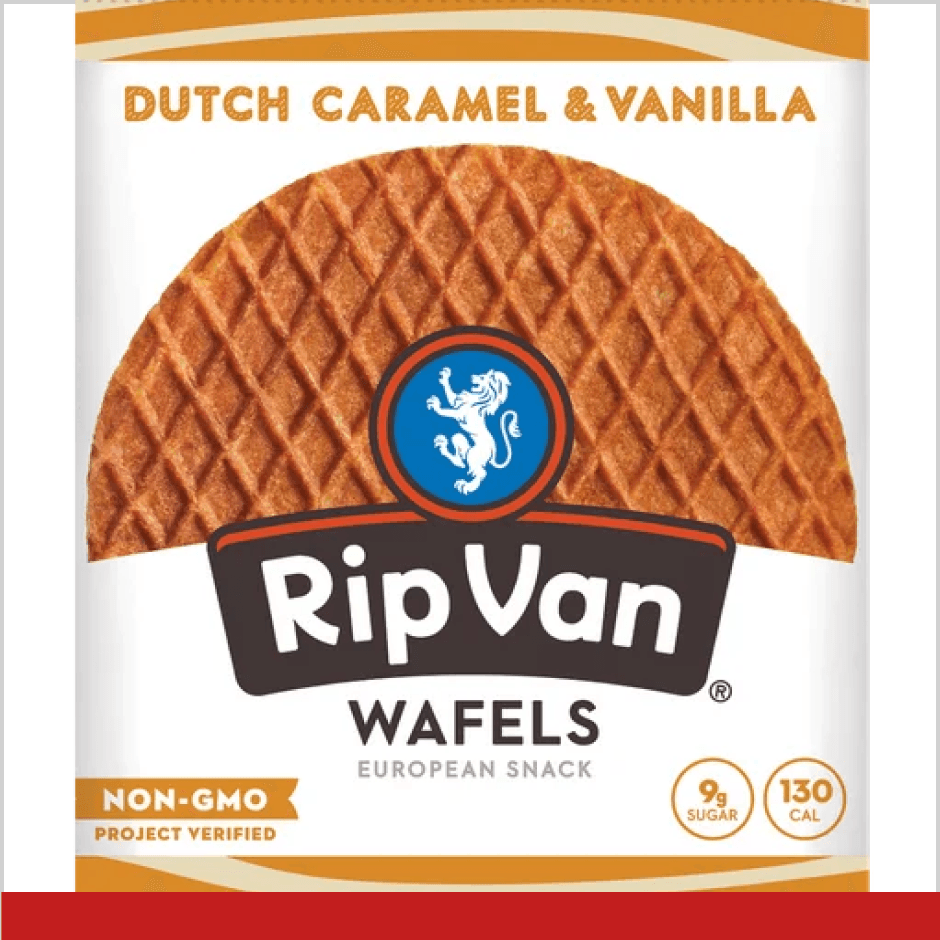
Avoid using a non-square image, as it will be cropped into a square in our app, which might cut off part of the product.
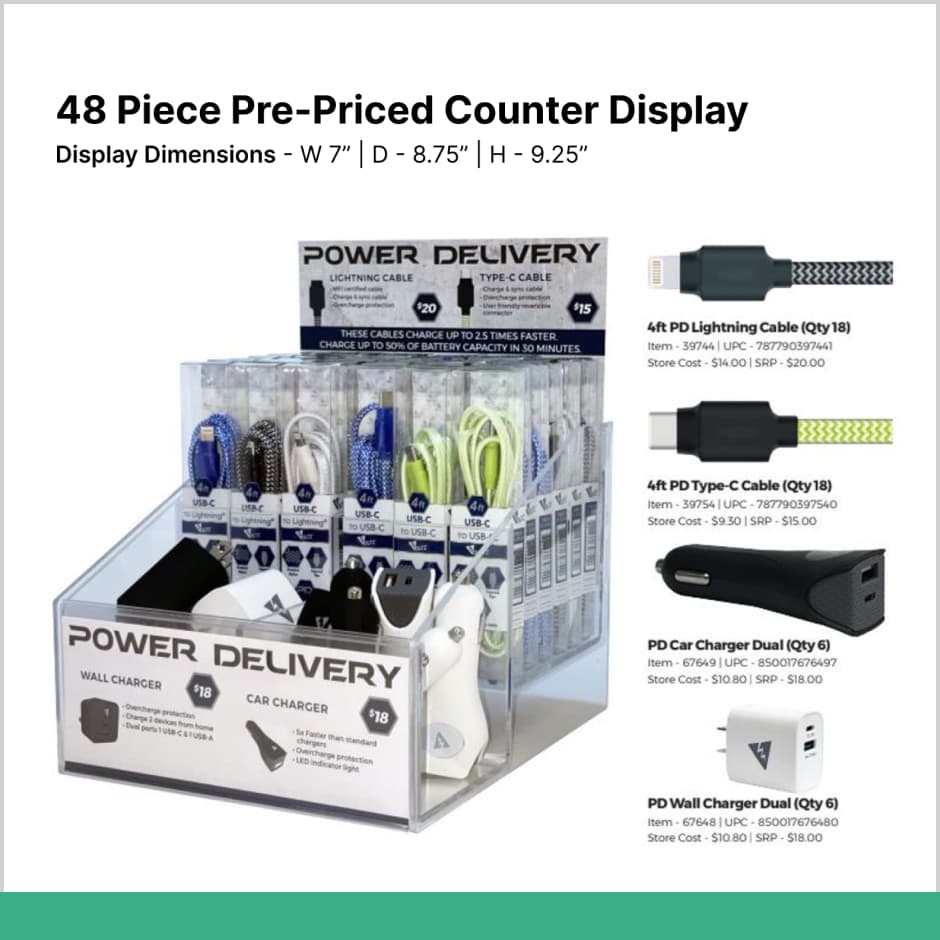

When onboarding a filled display, ensure the image clearly showcases all included items.


Always include detailed information about the contents of the display.
 Over 400 brand partners
Send us your inquiry below, and our Brand Partnership Team will contact you shortly.